






























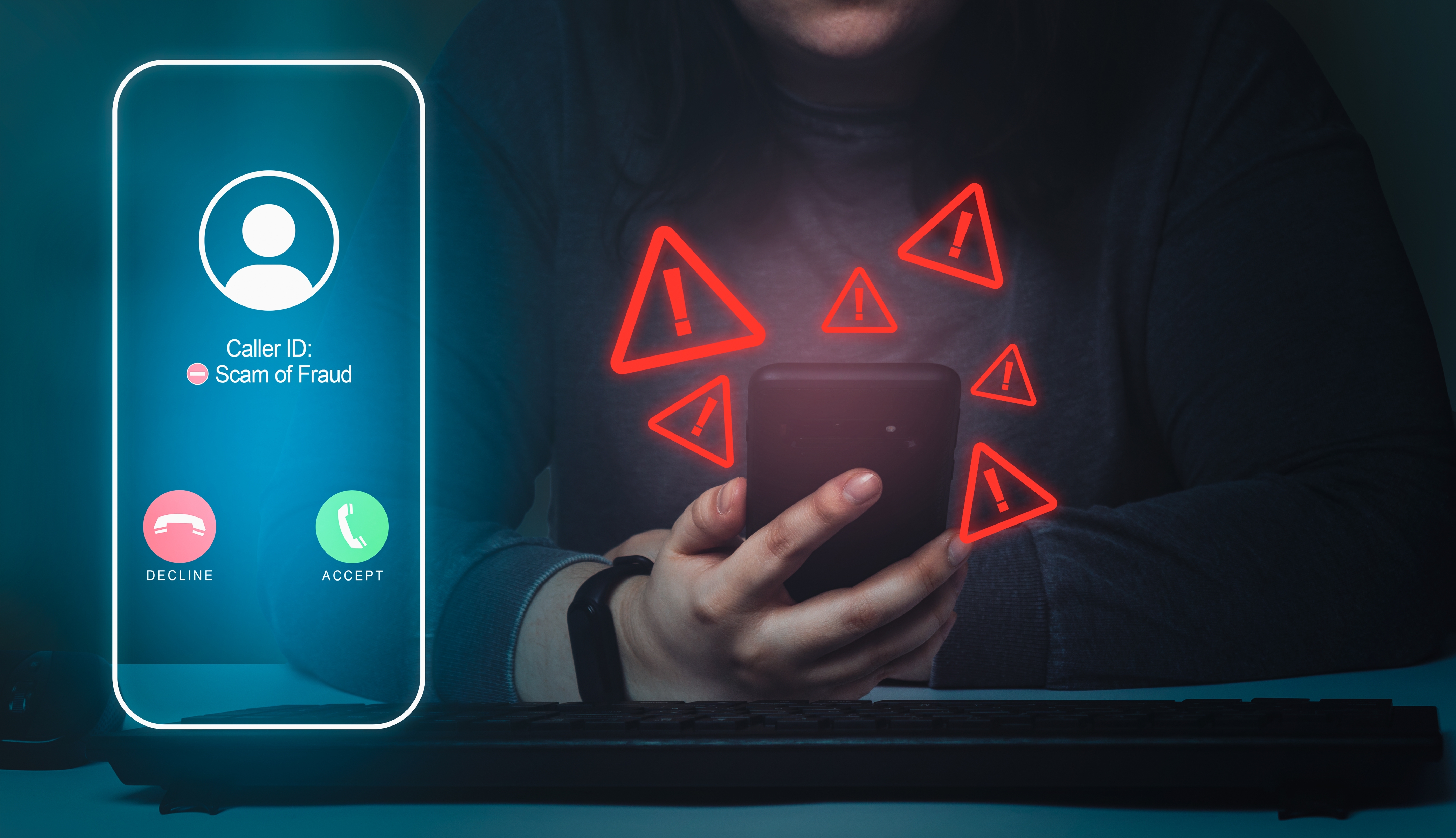
In an era where phone calls seemed to be on the decline, scammers proved otherwise by inundating our cell phones with relentless calls, employing deceitful tactics to extract information and money from unsuspecting victims.
Initially perceived as a modern-day nuisance akin to telemarketers, these calls soon revealed a more sinister nature. Interrupting important moments like work meetings, they posed a significant threat beyond mere annoyance. Truecaller, a spam-blocking app, reported that approximately 70 million Americans collectively lost $40 billion due to phone scams, including calls and texts, in 2022.
Amidst this growing concern, many individuals are seeking solutions to How to Block Scam Likely Calls and protect themselves from potential harm. Is there a foolproof method to thwart these scams permanently? Which apps can be relied upon to safeguard against such threats? Here’s everything you need to know.
What is a Spam Call?

A spam call refers to an unwanted telephone call received from an unknown source, typically targeting a large number of individuals simultaneously.
These calls are often initiated with the intention of deceiving recipients into providing sensitive information or financial gain. Various forms of spam calls exist, including telemarketing, robocalls, spoofing, as well as scams impersonating legitimate entities such as the IRS or insurance companies.
Engaging with spam calls can exacerbate the issue, potentially leading to an increase in the frequency of such calls. Responding to or answering spam calls may result in your phone number being flagged as active and susceptible to scams.

Consequently, scammers may target your number more frequently in the belief that you are more likely to divulge sensitive information inadvertently or willingly. Thus, avoiding interacting with spam calls whenever possible is advisable to minimize their occurrence.
How to Block Scam Likely Calls
Blocking spam calls can help reduce the annoyance and potential risks of receiving unwanted calls. Here’s how you can block spam calls on your smartphone:
1) Use Built-in Call Blocking Features:
Many smartphones come with built-in call-blocking features that allow you to block specific phone numbers.
On both Android and iOS devices, you can typically access these features by going to the Phone app, selecting the spam call in your call history, and choosing the option to block the number.
2) Enable Caller ID and Spam Protection:
Some smartphones offer caller ID and spam protection features that automatically identify and block potential spam calls. You can enable these features in your device settings or through dedicated apps to detect and block spam calls.
3) Install Third-Party Call Blocking Apps:
There are several third-party apps available for both Android and iOS devices that offer advanced call-blocking features. These apps can help block spam calls based on community reports, identify unknown callers, and provide additional security features.
4) Register with the National Do Not Call Registry:
In some countries, such as the United States, you can register your phone number with the National Do Not Call Registry to reduce the number of telemarketing calls you receive. While this may not eliminate all spam calls, it can help reduce their frequency.
5) Report Spam Calls:
Most smartphones allow you to report spam calls directly from your call history. Reporting spam calls helps phone carriers and regulatory agencies identify and take action against spammers.
Additionally, consider reporting spam calls to your phone carrier or relevant authorities if you continue to receive them despite blocking individual numbers. Utilizing these methods can effectively block spam calls and improve your overall calling experience.
How to Stop Scam Likely Calls on Landline?

Stopping scam likely calls on a landline can help reduce the annoyance and potential risks of receiving unwanted calls. Here are some methods to prevent scam likely calls on your landline:
1) Use a Call Blocking Device:
Invest in a call-blocking device or service designed explicitly for landline phones. These devices typically use caller ID and other parameters to automatically identify and block scam likely calls.
2) Enable Caller ID Services:
Make sure your landline phone service includes caller ID functionality. This lets you see the incoming caller’s phone number before answering, helping you identify potential scam likely calls.
3) Utilize Call Blocking Features:
Many landline phones come with built-in call-blocking features that allow you to block specific phone numbers or categories of calls, such as anonymous or unknown callers. Refer to your landline phone’s user manual or contact your phone service provider for instructions on activating these features.
4) Register with the National Do Not Call Registry:
In some countries, such as the United States, you can register your landline phone number with the National Do Not Call Registry to reduce the number of telemarketing calls you receive. While this may not eliminate all scam likely calls, it can help reduce their frequency.
5) Screen Calls:
Consider screening incoming calls by letting them go to voicemail and only answering calls from recognized numbers. Scammers are less likely to leave a message, so this can help filter out potential scam likely calls.
6) Report Scam Likely Calls:
If you continue to receive scam likely calls on your landline despite taking preventive measures, consider reporting them to your phone service provider or relevant authorities. Reporting scam likely calls helps phone carriers and regulatory agencies identify and take action against scammers.
By implementing these strategies, you can minimize the impact of scam likely calls on your landline and protect yourself from potential scams and fraud.
How to Stop Spam Calls Free?
Stopping spam calls for free requires a combination of tactics and tools to help reduce their frequency. Here are some methods you can use to stop spam calls without spending money:
- Use Built-in Call Blocking Features: Many smartphones come with built-in call blocking features that block specific phone numbers or categories of calls. Check your phone’s settings or call management options to see if these features are available.
- Install a Call Blocking App: Several free call-blocking apps are available for Android and iOS devices. These apps use crowdsourced databases of known spam numbers and advanced algorithms to identify and block spam calls automatically. Some popular free call blocking apps include Hiya, Nomorobo, and RoboKiller.
- Enable Do Not Disturb Mode: Most smartphones have a “Do Not Disturb” mode that allows you to silence calls and notifications from unknown or unwanted numbers. You can customize the settings to allow calls from your contacts while blocking calls from unknown numbers or numbers not in your address book.
- Register with the National Do Not Call Registry: In countries like the United States, you can register your phone number with the National Do Not Call Registry for free. While this may not eliminate spam calls, it can reduce the number of telemarketing calls you receive.
- Screen Calls Manually: If you receive a call from an unfamiliar number, let it go to voicemail and only return the call if it’s from a legitimate contact. Scammers are less likely to leave voicemails, which can help filter out spam calls.
- Report Spam Calls: If you receive a spam call, consider reporting it to your phone carrier or relevant regulatory authorities. Reporting spam calls helps phone carriers identify and block suspicious numbers, ultimately reducing the
number of spam calls received by others.
How to Stop Unwanted Calls on Cell Phone?
Stopping unwanted calls on your cell phone can be frustrating, but you can use several effective methods to minimize or eliminate them. Here’s a detailed guide on how to stop unwanted calls on your cell phone:
1) Activate Call Blocking Features:
- Many smartphones come with built-in call blocking features that allow you to block specific phone numbers or categories of calls. Check your phone’s settings or call management options to see if these features are available.
- Android devices often have a “Block numbers” option in the call settings, allowing you to input the numbers you want to block manually.
- iPhones have a “Block this Caller” option in the contact details or recent calls list, which prevents the selected number from contacting you via phone calls, messages, or FaceTime.
2) Install Call Blocking Apps:
- Consider downloading and installing call blocking apps from trusted sources. These apps use crowdsourced databases of known spam numbers and advanced algorithms to automatically identify and block spam calls.
- Popular call-blocking apps include Hiya, Nomorobo, RoboKiller, and Truecaller. Many of these apps offer free versions with basic features and premium versions with additional functionality.
3) Enable Do Not Disturb Mode:
- Most smartphones have a “Do Not Disturb” mode that allows you to silence calls and notifications from unknown or unwanted numbers.
- Customize the settings to allow calls from your contacts while blocking calls from unknown numbers or numbers not in your address book. You can also schedule Do Not Disturb mode to activate automatically during certain times, such as at night or during meetings.
4) Register with the National Do Not Call Registry:
- In countries like the United States, you can register your cell phone number with the National Do Not Call Registry for free. While this may not eliminate spam calls, it can reduce the number of telemarketing calls you receive.
- To register your number, visit the official website of the National Do Not Call Registry and follow the instructions to add your cell phone number to the list.
5) Screen Calls Manually:
- If you receive a call from an unfamiliar number, let it go to voicemail and only return it if it’s from a legitimate contact.
- Scammers are less likely to leave voicemails, so this can help filter out spam calls and prevent you from engaging with potential scams.
6) Report Spam Calls:
- Consider reporting a spam call to your cell phone carrier or relevant regulatory authorities if you receive it. Reporting spam calls helps phone carriers identify and block suspicious numbers, ultimately reducing the number of spam calls others receive.
Code to Block Spam Calls on Android
You can utilize built-in features or third-party apps to block spam calls on an Android device. Here’s how you can do it using both methods:
1) Using Built-in Call Blocking Features:
- Open Phone App: Launch the Phone app on your Android device.
- Access Call Settings: Tap on the three-dot menu icon (usually located in the top-right corner) and select “Settings” or “Call settings” from the dropdown menu.
- Block Numbers: Look for the option named “Blocked numbers,” “Call blocking,” or similar. Tap on it to access the list of blocked numbers.
- Add Numbers to Block List: To block a specific number, tap on “Add a number” or a similar option, then enter the phone number you want to block.
- Block Unknown Numbers: Some Android devices allow you to block unknown or private numbers. Enable this option if available.
2) Using Third-Party Call Blocking Apps:
- Download a Call Blocking App: Visit the Google Play Store and search for call-blocking apps such as Truecaller. Download and install the app of your choice.
- Open the App: Launch the call blocking app after installation.
- Follow Setup Instructions: The app will guide you through the setup process, which may include granting permissions to access your contacts and call history.
- Enable Call Blocking: Navigate to the app’s settings and enable call blocking features. You may have options to block specific numbers, block unknown numbers, or use community-based blocking lists.
- Customize Blocking Settings: Explore the app’s settings to customize blocking rules according to your preferences. You can often adjust settings such as blocking spam, telemarketing, or international calls.
- Update Block Lists: Call blocking apps frequently update their databases of known spam numbers. Regularly update the app to ensure the most effective call blocking.
By following these steps, you can effectively block spam calls on your Android device using either the built-in call blocking features or third-party call blocking apps available on the Google Play Store.
How to Block Unwanted Calls on Landline Free?
Blocking unwanted calls on a landline for free typically involves using the call blocking features provided by your phone service provider. Here’s how you can do it:
- Contact Your Service Provider: Call your landline service provider and inquire about the call blocking options available to you. Many service providers offer free call blocking features as part of their service packages.
- Ask About Call Screening or Call Rejection: Some landline service providers offer call screening or call rejection features that allow you to block specific numbers or types of calls. Inquire if these features are available for free with your plan.
- Activate Call Blocking Features: Follow the instructions provided by your service provider to activate the call-blocking features on your landline. This may involve accessing your account settings online, using a mobile app provided by your provider, or calling customer service for assistance.
- Block Specific Numbers: Once the call blocking features are activated, you can typically block specific numbers by adding them to a block list. You may be able to do this online, through a mobile app, or by dialing a particular code on your landline phone.
- Explore Additional Options: Some service providers offer additional call blocking options, such as blocking anonymous or private numbers, blocking international calls, or blocking calls from certain area codes. Explore these options to customize your call further blocking settings.
- Regularly Update Block List: Make sure to update your block list to add new unwanted numbers and remove any numbers you no longer wish to block.
By utilizing the call blocking features provided by your landline service provider, you can effectively block unwanted calls on your landline for free. Contact your service provider for assistance if you’re unsure about the specific call blocking options available.
How to Stop Spam Calls on Android for Free?
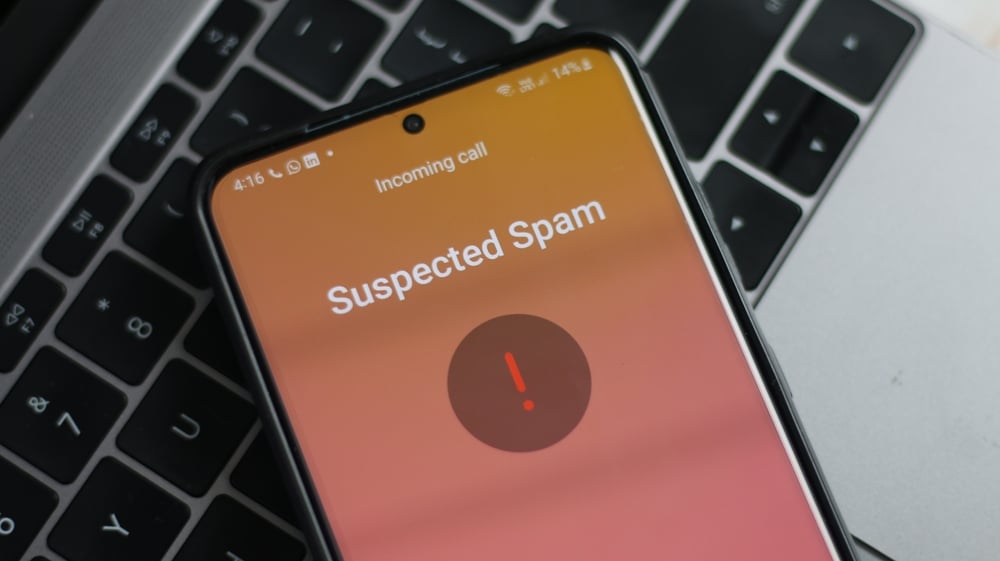
Stopping spam calls on Android for free can be done using built-in features or third-party apps. Here’s how:
1) Use Built-in Call Blocking Features:
- Block Numbers Manually: Open the Phone app, go to Recent Calls or Call History, tap on the number you want to block, and select Block/Block number.
- Enable Call Blocking: Some Android devices offer native call blocking features. Go to Settings > Calls/Call Settings > Call Blocking/Block Numbers and activate the feature. You can then add numbers to block manually.
2) Activate Do Not Disturb Mode:
- Android’s Do Not Disturb mode allows you to silence calls from unknown numbers or those not in your contacts. Go to Settings > Sound & vibration > Do Not Disturb and customize the settings.
3) Install a Call Blocking App:
- There are several free call blocking apps available on the Google Play Store, such as Truecaller, Hiya, and Call Control. These apps can identify and block spam calls automatically based on community reports and personal settings.
4) Enable Carrier Call Blocking:
- Some mobile carriers offer free call blocking services. Contact your carrier to inquire about available options and activate call blocking features provided by them.
5) Report Spam Calls:
- If you receive spam calls, report them to your carrier and to regulatory agencies like the Federal Trade Commission (FTC) in the United States. This helps in identifying and taking action against spam callers.
6) Regularly Update Call Blocking Settings:
- Stay vigilant and update your call blocking settings regularly. Add new spam numbers to your block list and adjust settings based on your preferences and call patterns.
By utilizing these methods, you can effectively stop spam calls on your Android device for free. Experiment with different options to find the best solution that works for you.
The Bottom Line!
Being bombarded with constant scam likely calls can be frustrating and leave us feeling powerless. However, as we have discussed in this blog post, there are several steps we can take to protect ourselves against these fraudulent calls.
By being cautious and implementing call-blocking techniques such as registering for the National Do Not Call Registry and using spam detection apps, we can significantly reduce our chances of falling victim to such scams.
Additionally, it is crucial for us to stay informed about current scams and be aware of common red flags like receiving unexpected calls asking for personal information or making unrealistic promises.
Let’s not forget the power of saying “no” and hanging up if a call seems suspicious. Together, we can take a stand against scam likely calls and protect ourselves and our loved ones from financial harm. Remember, prevention is always better than cure when it comes to dealing with scammers. By following these tips, we can feel confident in our ability to handle these unwanted calls and safeguard our privacy and well-being.
Key Highlights
- Scam likely calls pose a significant threat to privacy and security, with millions falling victim to phone scams annually.
- Effective strategies exist to block scam likely calls and protect against fraudulent activity.
- Utilize call-blocking apps and features provided by your phone carrier to filter out potential scam calls.
- Enable features such as “Scam Likely” identification and call blocking on your smartphone to automatically detect and block suspicious calls.
- Be cautious of providing personal information over the phone and report scam calls to relevant authorities or organizations.
- Stay informed about common scam tactics and remain vigilant to avoid falling victim to fraudulent schemes.
FAQ’s
1) What are “Scam Likely” calls?
“Scam Likely” calls are phone calls flagged by your phone carrier or caller ID app as potentially fraudulent or spam based on known scam patterns or community reports.
2) Why do I receive “Scam Likely” calls?
Scammers use various techniques like spoofing to manipulate caller ID information and appear as legitimate entities or numbers. “Scam Likely” calls are attempts to deceive you into answering the phone and potentially falling for a scam.
3) How can I block “Scam Likely” calls?
You can block “Scam Likely” calls using your phone’s built-in call blocking features, third-party call blocking apps, or by activating services provided by your carrier to identify and block spam calls.
4) Can I block “Scam Likely” calls manually?
Yes, most smartphones allow you to block numbers manually. You can add “Scam Likely” numbers to your block list through your phone’s settings or the call history/contacts section.
5) Are there any apps to help block “Scam Likely” calls?
Yes, several apps like Truecaller, and Call Control are available for download on app stores. These apps can automatically identify and block “Scam Likely” calls based on community reports and spam databases.